

Information on this page:
- Find My Dashboard
- Learn about My Dashboard
Find “My Dashboard” in the new LMS (HFMA Learning Center)
Step 1:
Go to hfma.org and Sign in.
Step 2:
Once you’re signed in, there are multiple ways to access My Dashboard.
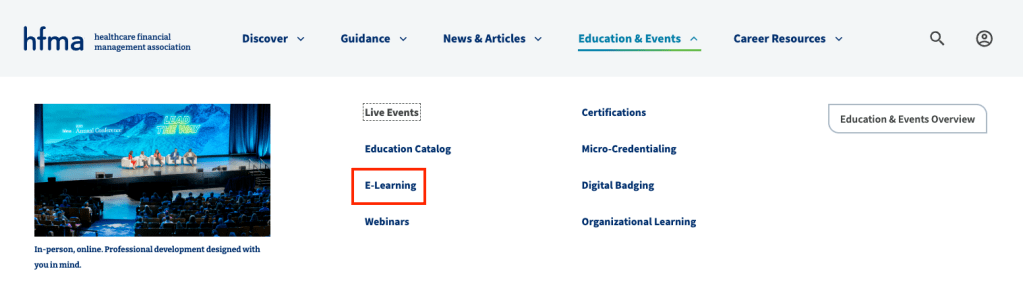
Hover over Education & Events in the main navigation then click on E-Learning.
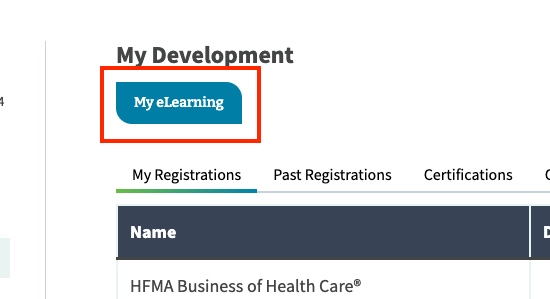
Or, go to My Account > My Development and click on My eLearning button.
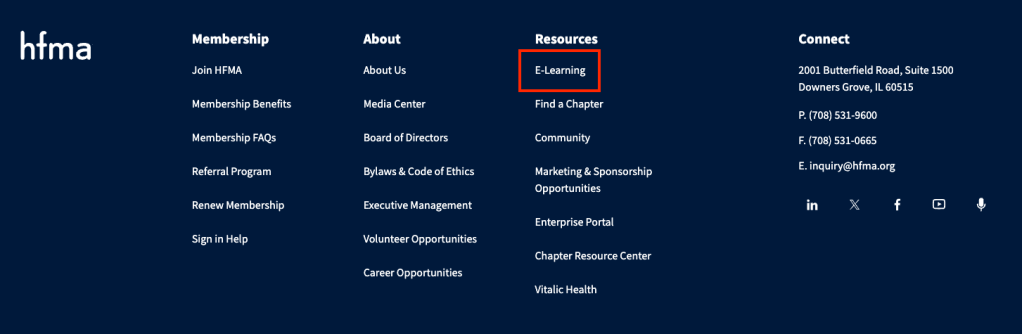
Or, go to the footer and click on E-Learning to go to the LMS homepage. Then, click on My Dashboard.
Learn about “My Dashboard”
Learning Hub
View your transcript or certificates earned.
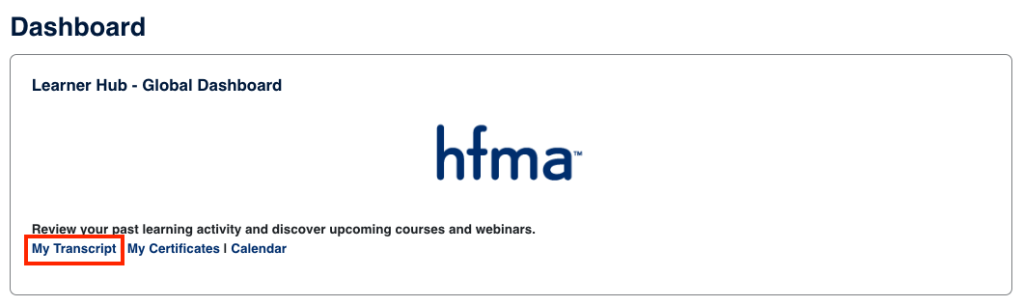
*If you earned something prior to March 2026, please visit My Development from your HFMA Profile.
My Courses
If you have started any courses or have been enrolled in courses via an organizational learning plan, they will appear here. You will find completion status and a quick way to access content.
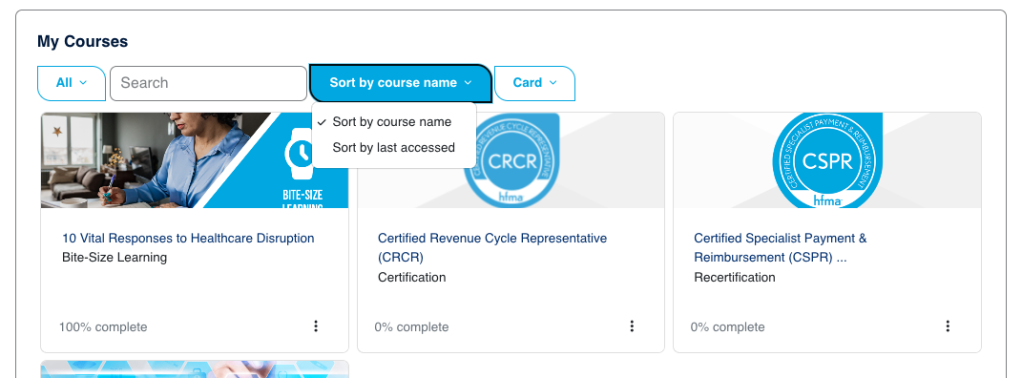
Tip: you can sort by access date or course name, this helps if you have many courses assigned to you.
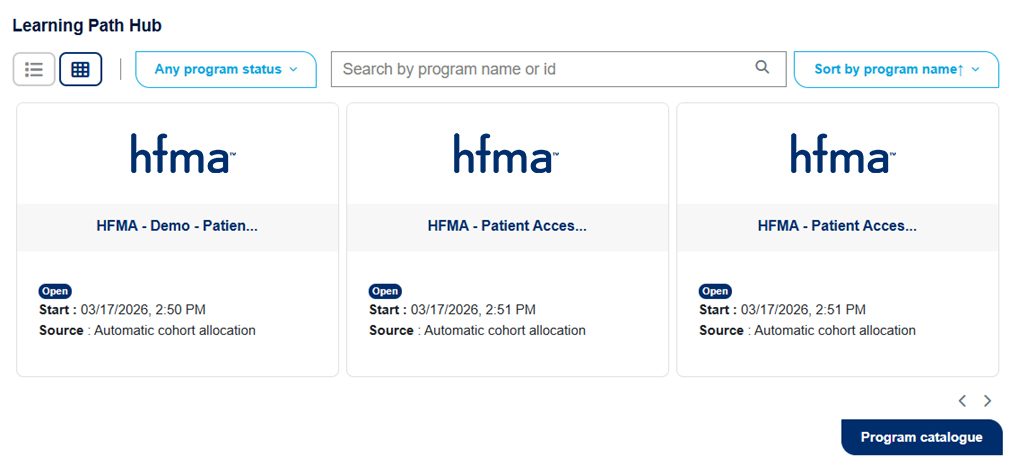
Learning Path Hub
If you have enrolled in an HFMA program or you are with an Enterprise organization that has Learning Path Programs built, you will find 1 or more programs with groups of courses here.